Throughout the years, many students’ computers have been slowly getting worse and worse from damage, having to get repaired multiple times from those damages. The most common damages students encounter in middle school are broken screens and broken keyboards.
“[A problem I have is where] I have dead pixels in the top left screen of my Chromebook, and whenever I push on them, they move, making it so I can’t see my icons. [This has been happening] since probably December,” Tyler Johnson (6) said.
Another issue with the computers, according to a review by IT Pro, is that they are really slow due to the computer’s processors being the slowest ones from Intel. Accoreing to Inspiroz, they can overheat due to the fact that they have no fans to cool them down during use meaning if you block their vents they will overheat. Whenever students try to use multiple tabs on their computers for assignments, the Chromebooks end up slowing down, lagging, and affecting the students’ speed to finish their assignments. This happens due to the amount of RAM in their computers. According to Coretek, students’ Chromebooks only have 4 GB of RAM, which is very little for a computer. Those are just some of the small problems students have encountered, but there are some major ones too.
“Last year in 5th grade, [my Chromebook] would die really quickly if it was at 50% or 40%, it would go to 3% really fast and say it was about to die soon,” Bailey Johnson (6) said.
“[The craziest thing I have seen on a broken computer is that] the device was run over by a car and received in many pieces in a zip lock bag,” Ms. Tion Piehler, IT assistant, said.
The Chromebooks cost $574.95 each, making them affordable for the school to buy hundreds per year.
“[The reason why the school chooses the Dell Chromebooks over others is that] Dell is known for having the best accidental warranty coverage in the tech industry. This means that if you accidentally damage your Dell device, you can rest assured that it will be repaired or replaced. Students receive one accidental damage allowance per year. This means that if a student accidentally breaks their device on 1/2/26, it cannot be repaired again until 1/2/27,” Ms. Piehler said.
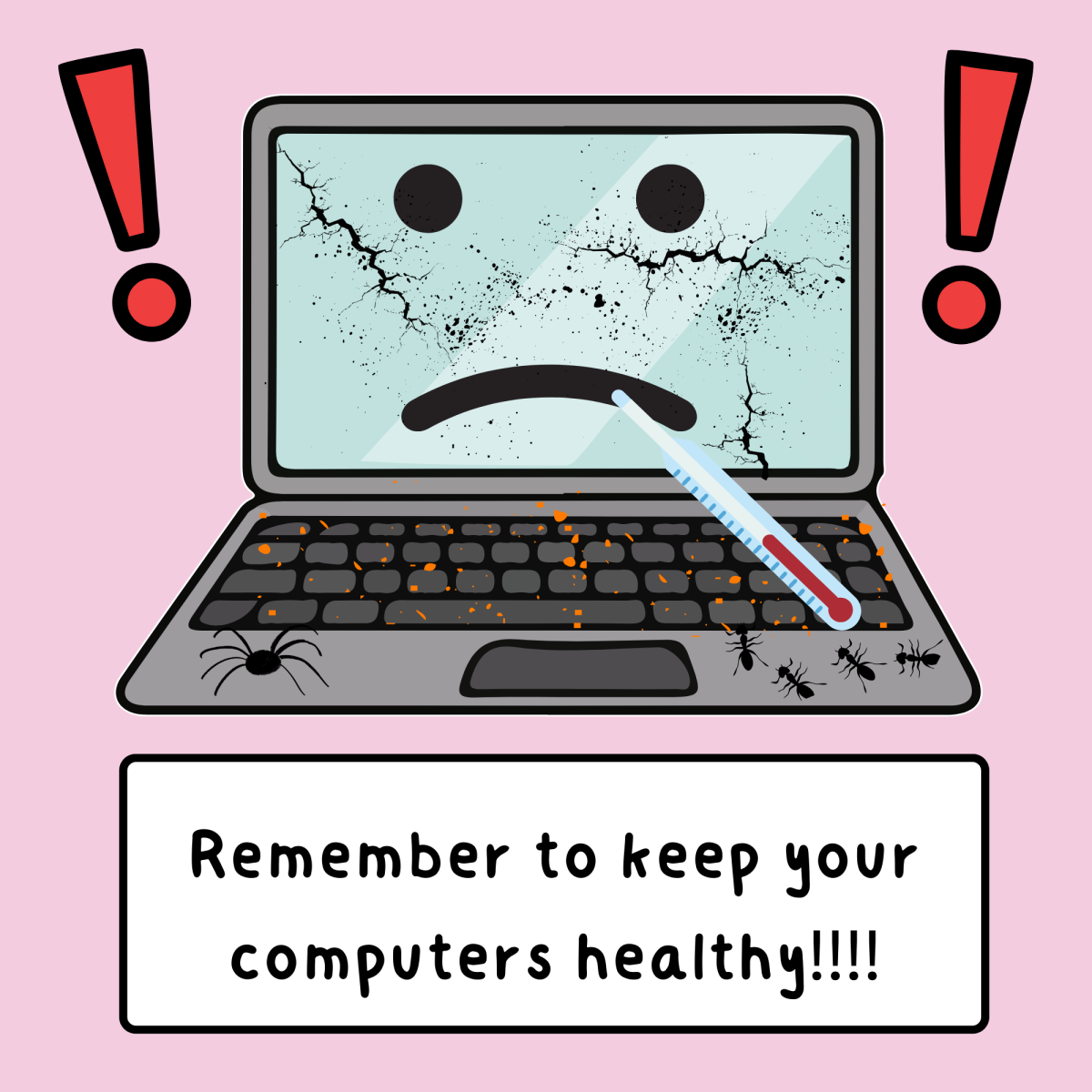
With all of these problems, you might be wondering how to stop this from happening to your own precious computer. Here are some tips for you.
“[Some ways to help students from breaking their computers are] remember to always handle electronic devices with care and respect. It is important to avoid placing them on the floor ot holding them in ways that could lead to accidents. Be mindful of how you carry your devices while walking, instead of on your head or with just two fingers, always use a secure grip to prevent any potential damage. Your devices will thank you for the extra care,” Ms. Piehler said.