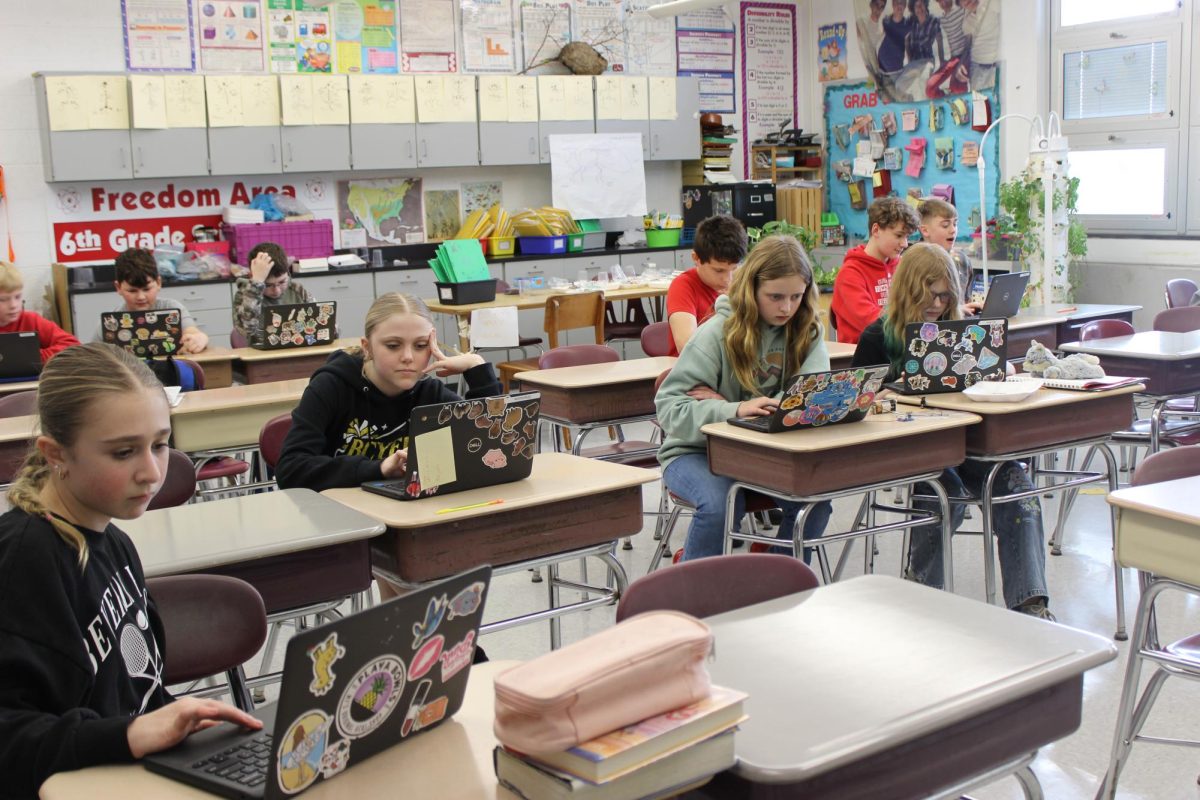
Many students have played games on their computers before, but lately, more students are playing games on their Chromebooks, and teachers are struggling to help stop it. Students have been struggling to get their work done online because many are too busy playing video games. Teachers have tried to stop it by blocking it, but students just find more games to play online.
“There may be a policy coming in the future where there is not going to be an allowable time for any games, not academic games. I think there should be a push for that. That’s my personal opinion,” Ms. Amanda Whitworth, Dean of Students/Intervention Specialist K-8, said.
Students have found many websites with games. Some of those games include Roblox, Geometry Dash, Five Nights at Freddy’s, Tiny Fishing, Granny, Cluster Rush, Steal A Brainrot, House of Hazards, Fortnite, etc. With students constantly playing games on their Chromebooks, teachers have found it very difficult to teach when students are always on their devices.
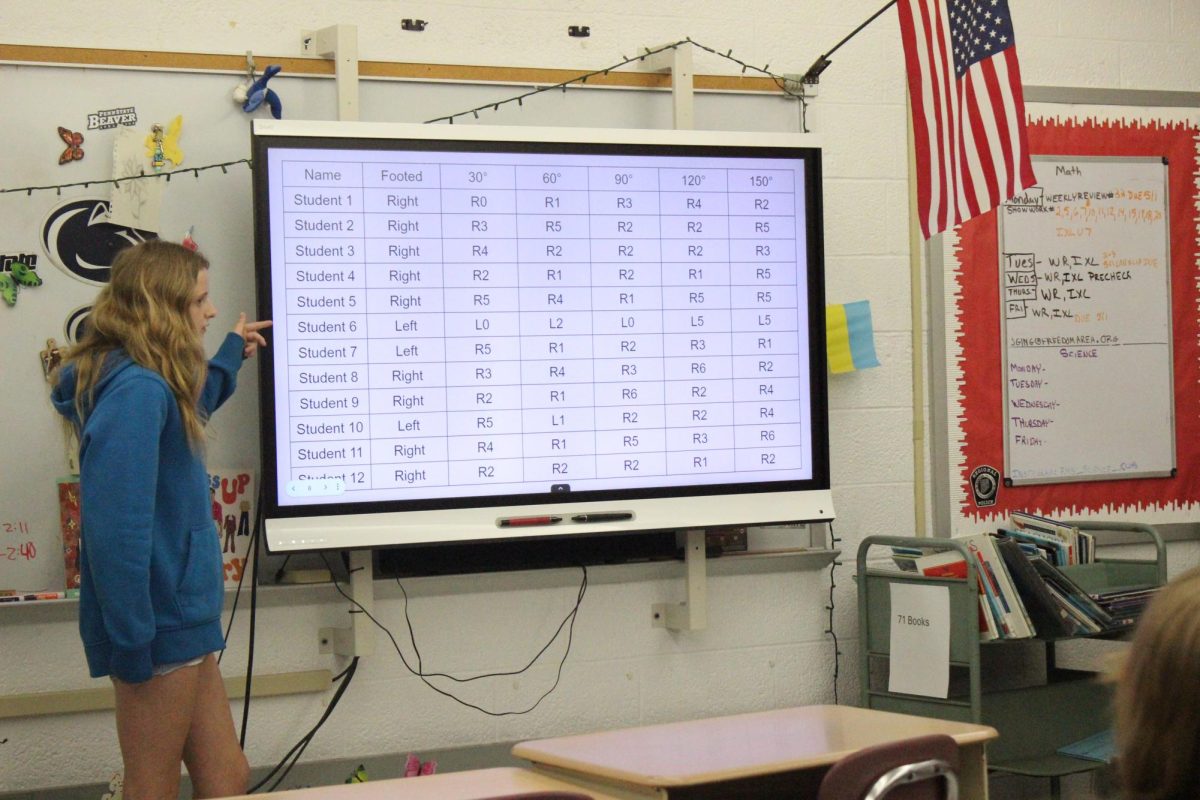
“Ugh! I do not like students playing games on computers. They get so distracted and obsessive about them. They do not focus on the lessons, and then they’re confused about what they’re supposed to be doing because they’re too busy focusing on their game,” Ms. Jeanie Ging, 6th grade math and science teacher, said.
Students are able to access blocked websites by downloading illegal extensions that allow them to access any website. Some websites that students are accessing include Pinterest, Reddit, Facebook, and TikTok. By downloading these extensions, students are breaking their Acceptable Use Policy. These websites include inappropriate things that could be harmful to students and therefore are blocked from student use.
“To allow access to safe, educational games used in subjects like ELA and math, certain gaming content must remain accessible. Unfortunately, this can allow non-educational games to bypass the filter. We actively monitor usage through the admin portal and block inappropriate games on a daily basis. Blocksi is designed to minimize access to non-educational content, and students are required to sign an Acceptable Use Policy at the beginning of the year. Students who intentionally access inappropriate or unauthorized games may face disciplinary action,” Ms. Marie Dohanich, Director of Instructional Technology, said.
This problem with computer games has not always been an issue. This issue began at the end of January from a Google system update that changed how apps are managed on school devices.
“Recent changes to Google OS, particularly in how ‘Google Apps’ are deployed through the Google Admin Console, have contributed to this issue. We have been enforcing nightly updates, which have helped improve the situation. Additionally, we are working closely with both Blocksi and Google engineers to identify and resolve the problem. This is not an isolated issue, and other schools are experiencing similar challenges, so both companies are actively working toward a solution,” Ms. Dohanich said.